How to File Your Tax Return on SARS eFiling 2026
Every year, SARS (South African Revenue Service) opens tax season for individuals to file their income tax returns. If you receive a salary, are self-employed, or earn rental or investment income above certain thresholds, you may need to file — and even if you are not required to, you may be owed a refund. This guide explains how to register on SARS eFiling and submit your ITR12 form step by step.
Who Needs to File a Tax Return?
You must file an income tax return if, in the 2025/26 tax year (1 March 2025 – 28 February 2026), any of the following applied:
- You earned more than R500,000 from a single employer (with no additional income)
- You had more than one source of income
- You earned rental income
- You received investment income (interest, dividends) above the exempt amounts
- You are self-employed (freelancer, sole trader, independent contractor)
- You have a capital gain from selling property or investments
- You received a director's fee
- SARS sent you a notification requiring you to file
Tax Filing Season Dates for 2026
SARS typically opens tax season in July each year:
- Auto-assessment period: July — SARS notifies eligible employees
- Non-provisional taxpayers (salary employees only): file by approximately 21 October 2026
- Provisional taxpayers (self-employed, other income): file by 31 January 2027
Tip: Check sars.gov.za in July 2026 for the exact filing dates. SARS may adjust deadlines annually.
How to Register for SARS eFiling
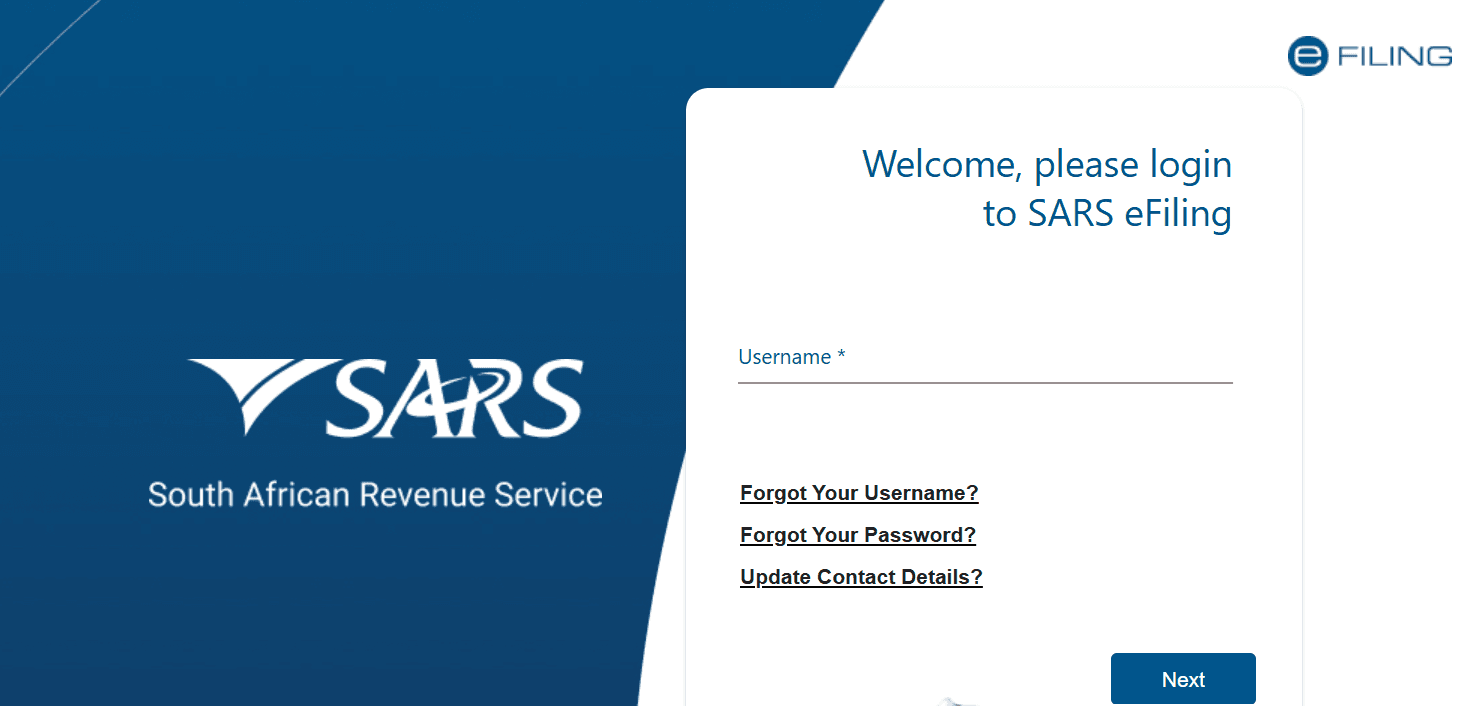
- Go to efiling.sars.gov.za
- Click “Register”
- Enter your South African ID number and personal details
- Create a username and password
- Verify your identity (SARS may ask personal questions or require a branch visit for first-time registration)
- Once registered, log in and access your tax profile
Step-by-Step: How to File Your ITR12 on eFiling
- Log into efiling.sars.gov.za
- Click “Returns” → “Returns Issued” → select the applicable tax year
- Click on your ITR12 return and “Request Return”
- Your return will be pre-populated with information from your employer, bank, and medical aid
- Review the pre-populated information carefully — make corrections if needed
- Add any additional income SARS may not know about
- Claim your deductions (see below)
- Check the calculated tax — SARS will show if you owe money or are owed a refund
- Click “File Return” to submit
Common Tax Deductions You Can Claim
- Medical aid contributions and out-of-pocket medical expenses (subject to income thresholds)
- Retirement annuity (RA) contributions — up to 27.5% of taxable income, maximum R350,000/year
- Home office expenses — if you work from home in a dedicated space (requires employer confirmation)
- Donations to approved public benefit organisations (Section 18A certificates required)
- Business expenses for self-employed persons (keep receipts and invoices)
Understanding SARS Auto-Assessment
Many salary employees receive an auto-assessment in July. SARS pre-fills your return using employer, bank, and medical aid data. You receive an SMS or email asking you to accept or edit.
- If the assessment is correct: Log into eFiling and click “Accept.” If a refund is due, it is paid within 72 hours
- If the assessment is incorrect (you have additional deductions): Click “Edit” — do NOT accept — and submit your own return
How to Pay SARS If You Owe Tax
- Pay via eFiling (EFT to SARS using your payment reference number)
- Pay at any bank (use your SARS payment reference number)
- Pay at a SARS branch
Do not miss the payment deadline. SARS charges penalties and interest on late tax payments. The penalty can be significant if you owe a large amount.
How Long Does a SARS Refund Take?
- Auto-assessment accepted: typically 72 hours to your bank account
- Own return filed: typically 7–21 business days
- If SARS selects your return for audit: can take 60+ days
SARS pays the refund directly to the bank account registered on your eFiling profile. Keep your banking details up to date.
SARS Contact Details
- eFiling: efiling.sars.gov.za
- SARS Contact Centre: 0800 00 7277 (toll-free)
- Website: sars.gov.za